
OUR PRODUCT · WORKFORCE & WAGE MANAGEMENT
Every day, accounted for.
The attendance register and wage ledger for your crew, reimagined for your phone.
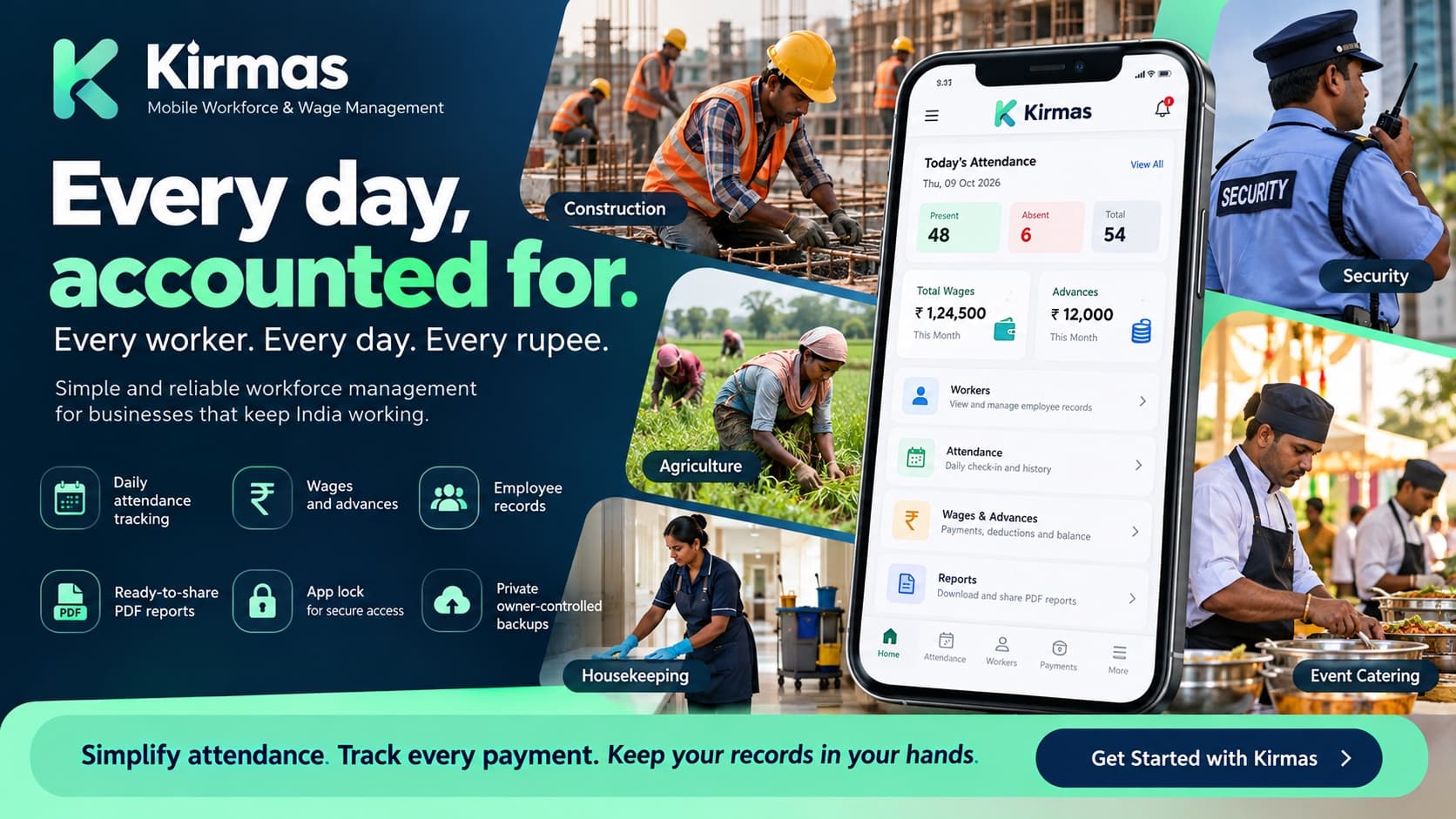
Kirmas helps independent contractors and small businesses manage daily-wage workers with digital attendance, wage and advance records, employee details, and shareable PDF reports. Keep your records close, without needing an office or a constant internet connection for daily recordkeeping.
Daily attendance
Present, absent, half-day and leave.
Wages & advances
Record transactions and track balances.
Employee records
Keep worker details and documents together.
PDF reports
Generate and share attendance and worker reports.
The problem with paper registers
Most small crews still run on a paper attendance register and a handwritten wage notebook. Neither was designed to protect the contractor or the worker.
Lost registers
A torn page, a rain-soaked notebook or a misplaced register can erase months of attendance and payment history.
Unclear advances
When advances and payments are tracked from memory, “how much do I still owe?” becomes an argument.
Hard-to-check history
Old wage records on paper are slow to search and difficult to show to a bank, a client or a family successor.
How Kirmas works
Add workers
Photo, phone number, role and documents for each person.
Mark attendance
Present, absent, half-day or leave, for any date.
Record payments
Log an advance or payment in one tap, with a receipt photo.
Check balances
See who is owed what, and open any single transaction.
Generate reports
Preview, download or share a PDF report.
Features
Employee records
Each worker's photo, phone number, role and documents in one place.
Daily attendance calendar
Mark present, absent, half-day or leave for any worker on any date, and browse the history.
Payments and advances
Record an advance or payment in one tap, attach a receipt photo, and see each worker's balance update.
Full transaction detail
Open any past payment to see its amount, date, time, notes and receipt.
PDF reports
Attendance, the employee directory, or a single worker's statement, with a preview and one-tap share.
App lock
Help protect your records with a PIN or biometric lock.
Owner-controlled backup
Back up data and photos to the owner's own Google Drive.
Guided first run
A short walkthrough explains the app, so no manual or training is needed.
Who it is for
Built for contractors and small businesses managing daily-wage and contract workers, from construction sites and farms to housekeeping, security staffing and event crews.
Independent contractors
Owners personally responsible for a crew's attendance and pay, working from their phone.
Construction crews
Mark attendance per site each morning and log advances as they are paid.
Farm owners
Add a seasonal crew at once, track daily attendance and settle wages at season's end.
Housekeeping and facility staff
Keep each worker's documents, attendance and payments in one directory.
Security staffing
Keep attendance and wage records for guards across deployments.
Event and catering crews
Mark a day's attendance per event and pay workers out the same day.
Privacy and offline use
- Record attendance and payments offline. Connect to the internet when you want to back up your records.
- Records are kept on the owner’s device, not on a Kirmas server.
- Help protect your records with PIN or biometric app locking and owner-controlled backups to your own Google Drive.
Frequently asked questions
- Does Kirmas work offline?
- Yes. You can record attendance and payments offline, because they are saved on your device. You need an internet connection only when you want to back up your records.
- Where are my records stored?
- On your own device. Backups go to your own Google Drive, on your schedule, not to a Kirmas server.
- What reports can I generate?
- An attendance report, a full employee directory report, or a single worker's complete statement. Each has a preview and a one-tap download or share.
- Can I record advances?
- Yes. Log an advance or a payment in one tap, attach a photo of the receipt, and the worker's balance updates straight away.
- Can I protect the app on a shared phone?
- You can lock the app with a 4-digit PIN, and with a fingerprint or Face ID on supported phones. The lock helps protect your records, but you should still take normal care of your phone.
- Does it sync across several phones or support other languages?
- Not at the moment. Kirmas is built for one owner on one device, and those additions are not available yet.